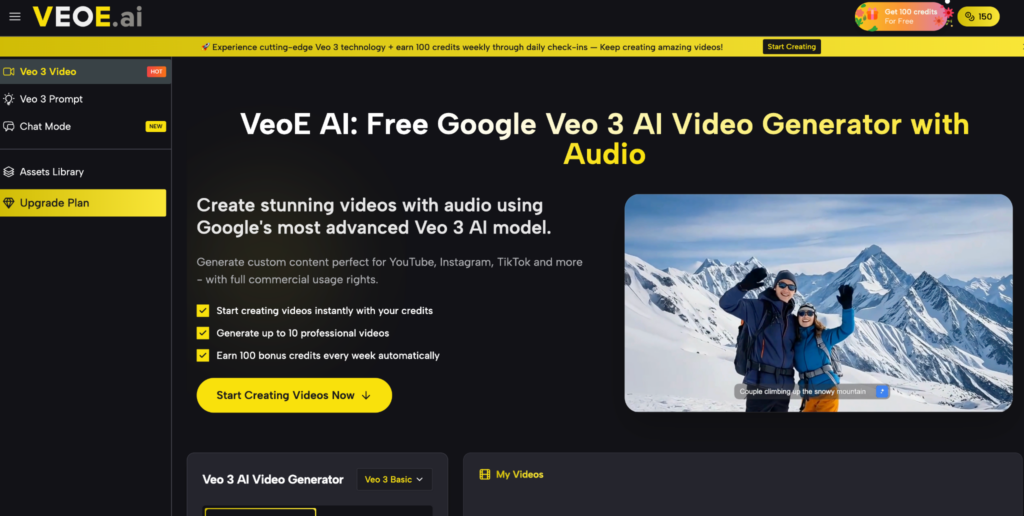
Creating professional-quality videos used to demand expensive software, editing expertise, and hours of production work. Today, tools powered by Google’s Veo 3 model have changed that equation entirely. If you’ve been looking for a practical, no-cost solution to generate cinematic AI videos with synchronized audio, Free Veo 3 on VeoE AI is one of the most capable options available right now — and this guide walks through exactly what makes it unique and how to use it effectively.
What Is VeoE AI?
VeoE AI is an online video generation platform built directly on Google’s official Veo 3 API. It lets users turn text descriptions or reference images into short cinematic videos with synchronized audio — no editing background, no software installation, and no subscription required.
The platform targets a broad audience: content creators building YouTube or TikTok libraries, marketers producing ad material, educators developing visual learning resources, and business owners who need promotional videos without a production budget. New users receive 100 free credits on signup, with an additional 100 credits refreshed every week — meaning ongoing access without any payment wall.
What Makes VeoE AI Different from Other Veo 3 Tools
While several platforms now offer Veo 3-based generation, VeoE AI has built a distinct feature set that sets it apart:
Weekly Renewable Free Credits — No Paywall
Most AI video platforms cap free usage after a one-time trial. VeoE AI’s 100-credit weekly refresh is a structural difference — not a promotional offer. Users can generate videos consistently over time without ever reaching for a credit card.
Built-In Automatic Prompt Optimization
VeoE AI includes an internal prompt optimization layer unique to its workflow. Even if your input description is casual or loosely worded, the system refines and restructures it before passing it to the Veo 3 model. This closes the gap between what a non-technical user types and what the model needs to produce a high-quality output — reducing the trial-and-error that typically frustrates first-time users of AI video tools.
Curated Prompt Library with Real Example Outputs
Unlike tools that offer an empty input field and leave users to experiment, VeoE AI features a dedicated Veo 3 prompt library — a curated collection of advanced, categorized prompts each paired with an actual example video. Users can browse by style (cinematic, horror, historical, product showcase, and more), preview what the prompt produces, and load it directly into the generator with one click.
Native Audio in Every Generated Video
VeoE AI generates videos with synchronized dialogue, ambient sound, and contextual sound effects built in — all from a single text description. This is not a post-processing add-on but a native output of the Veo 3 model as integrated by VeoE AI. For creators who need complete, publish-ready clips rather than silent footage requiring audio work, this eliminates an entire production step.
Lip-Sync Consistency for Speaking Characters
When a generated video includes a speaking character, VeoE AI maintains lip-sync consistency throughout the clip — a technically demanding feature that many competing platforms still handle poorly. This is especially valuable for marketing explainers, branded spokespersons, or any scenario where a human subject delivers dialogue on screen.
Dual Input Modes: Text and Image
Beyond text-to-video, VeoE AI supports image-to-video generation — upload a static reference image and the AI adds motion, camera movement, and synchronized audio around it. This dual-mode capability makes it flexible for product teams, photographers, and marketers who already have visual assets and want to animate them.
How to Use the Prompt Library
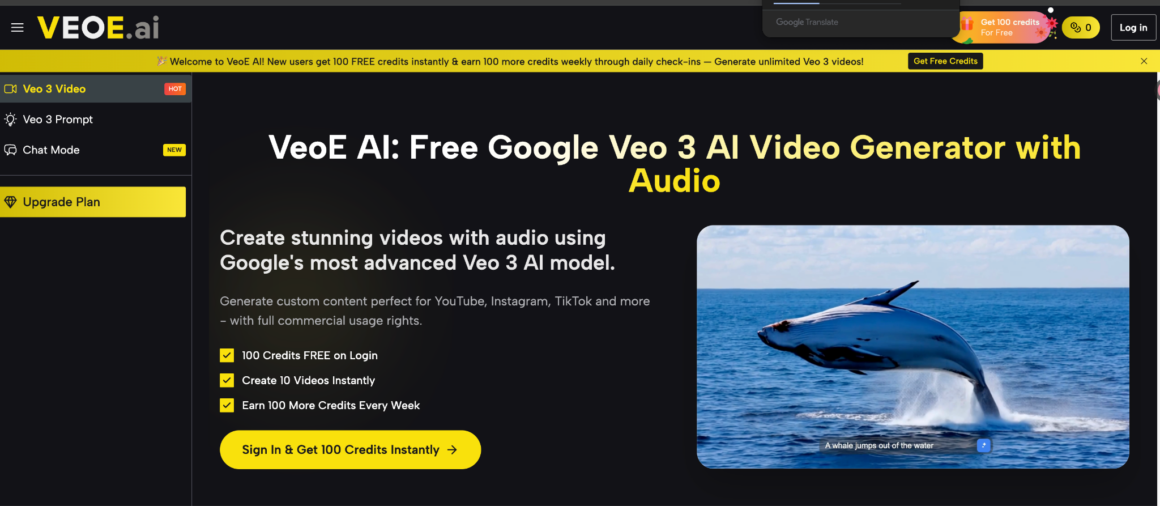
The Veo 3 prompt is one of VeoE AI’s most practical tools for new users. Here’s how to use it:
- Browse the library — scroll through categorized prompts and preview the example video output for each entry.
- Select a prompt that matches your intended style, subject, or mood.
- Click “Use” — the prompt loads automatically into the generation interface.
- Adjust if needed — modify specific details (character, setting, color tone) to personalize the output.
- Generate and download — the platform produces a high-resolution video with full commercial usage rights.
This workflow cuts the time from idea to finished clip significantly, especially for users who are unfamiliar with how to structure effective Veo 3 prompts.
Who Should Use VeoE AI
Social Media Creators
The platform produces formats optimized for Instagram Reels, TikTok, and YouTube Shorts. The weekly free credit model makes it sustainable for creators who need consistent output volume.
Marketing Teams and Small Businesses
The image-to-video feature lets teams animate existing product photography — turning a static shot into a dynamic, audio-ready clip without a production budget.
Educators and Course Creators
Text-to-video handles illustrative content well — historical visualizations, process demonstrations, conceptual scenes — giving educators a fast way to produce supporting visuals for instructional material.
Filmmakers and Storyboard Artists
Filmmakers can use VeoE AI to prototype scenes — testing camera angles, lighting moods, and composition ideas before committing to a full shoot. The prompt library includes complex cinematic inputs (tracking shots, specific lighting setups, multi-character sequences) that serve this purpose directly.
Conclusion
VeoE AI stands out not just as another Veo 3 wrapper, but as a thoughtfully built platform with features that address the real friction points in AI video creation: prompt inexperience, limited free access, silent outputs, and inconsistent results. The combination of weekly renewable credits, automatic prompt optimization, a curated prompt library with real preview examples, native audio, and lip-sync consistency gives it a practical edge over most alternatives. Whether you’re a solo creator, a marketing professional, or a filmmaker testing ideas, VeoE AI offers a structured, accessible path from text or image to a finished, publish-ready video — without asking you to pay before you’ve seen what it can do.